I picked up my phone to check the time. I know this because forty minutes later I surfaced to a video of a man restoring a rusty padlock, with no memory of the previous thirty-nine minutes and still no idea what time it was.
For a long time I treated that as a discipline problem - if I just wanted it less, tried harder, had more self-control, I'd stop. I did not stop. I just added shame to the scrolling.
Here's what finally helped: the scroll isn't a character flaw, it's a slot machine, and my ADHD brain is its ideal customer. Once I stopped fighting my willpower and started changing the machine, things actually shifted. None of it involved deleting my apps.
Quick answer
How do you stop mindless scrolling with ADHD?
Stop relying on willpower and add friction instead: turn your screen grayscale, bury the apps off your home screen, log out, kill notifications, and put the phone physically out of reach. Then pre-load an easier hit of dopamine - a fidget, a walk, a dopamine menu - so your brain has somewhere to go. A few seconds of friction plus a ready alternative beats "I'll stop soon" every time.
Key takeaways
📌Add friction instead of willpower: grayscale, bury the apps, log out, kill notifications.
📌The feed is engineered as a slot machine. Variable rewards are the entire design.
📌Physical distance beats any setting. Put the phone in another room.
📌Removing the dopamine without replacing it rarely holds. Pre-load something easier to reach for.
📌The bedtime scroll needs its own plan, because that is when every defence is weakest.
ADHD brains tend to run lower on dopamine, the chemical behind reward and motivation. So they're always quietly hunting for stimulation - and a feed is an all-you-can-eat buffet of it, delivered a thumb-flick at a time.
The cruel part is the design. You never know whether the next post is a laugh, a gasp, or nothing - and that unpredictability is exactly what hooks a dopamine-seeking brain. It's the same mechanism that keeps people at slot machines, and I say that as someone who has lost afternoons to a screen the size of a playing card.
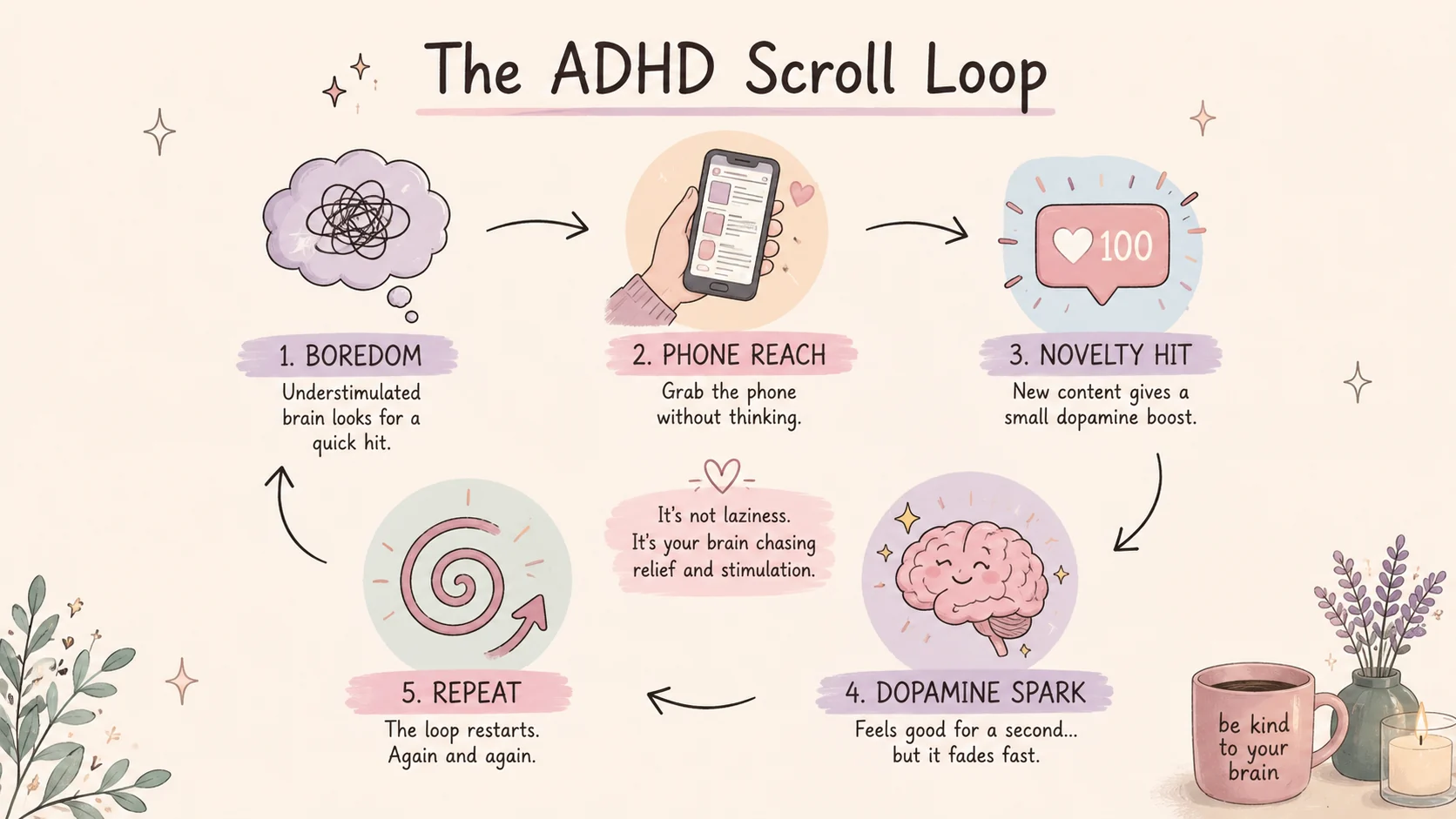
Boredom makes it worse, because for an ADHD brain boredom is genuinely uncomfortable, not just dull. The phone is the fastest escape hatch in arm's reach, so the gap between tasks becomes a scroll, and the scroll becomes an hour.
I wasn't choosing the phone over my life a hundred times a day. I was reaching for the nearest thing that made the boredom stop.
The ADHD scroll loop is not laziness. It is your brain chasing stimulation and relief.
From ADHD Pearls
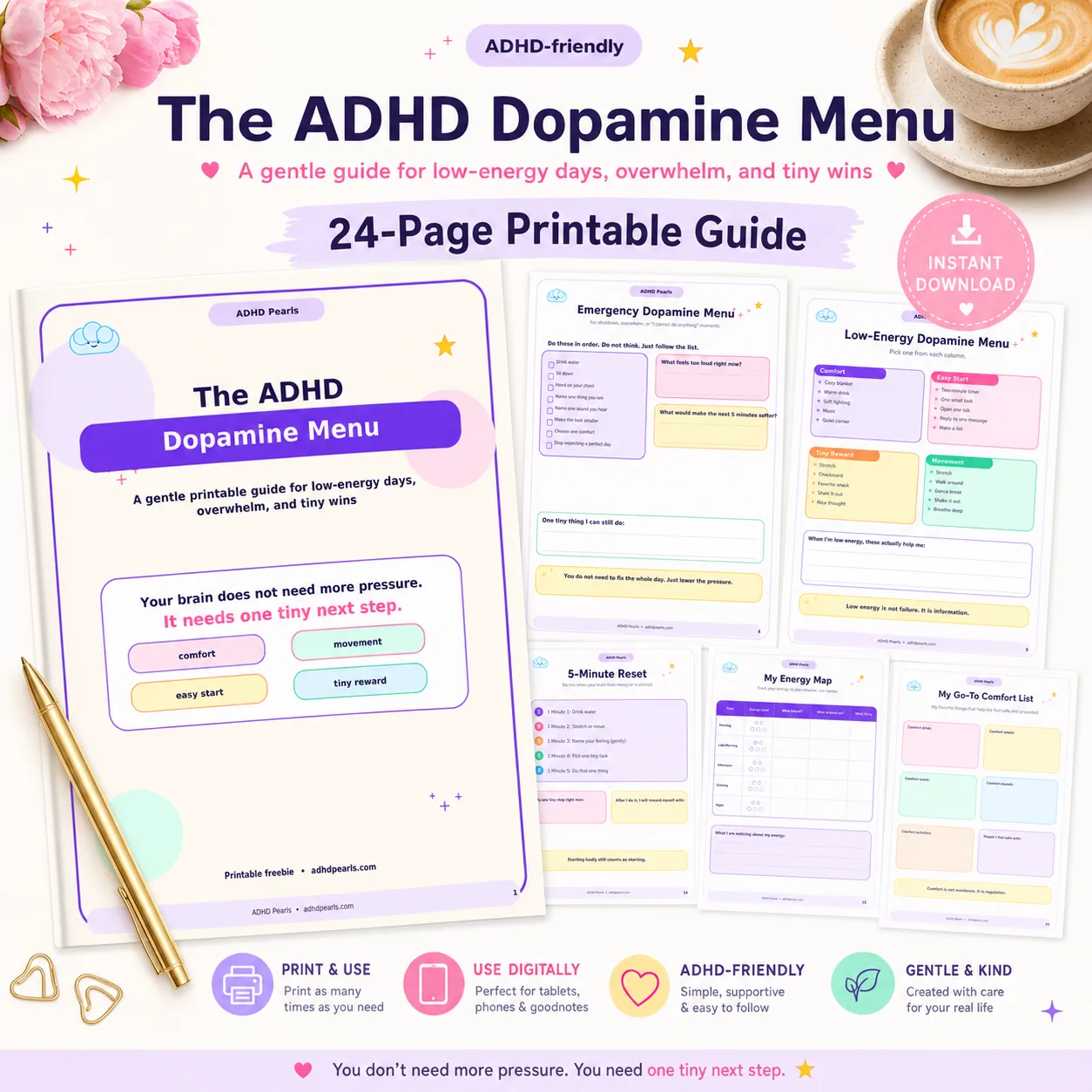
Free Dopamine Menu
24 tiny activities for low-energy, low-capacity days.
The reframe that took the shame out of it for me: you are not weak. You're up against a product designed by teams of very smart people to hold your attention for as long as possible, and it's aimed straight at the part of your brain that struggles most with stopping.
That's why "just have more self-control" fails. Willpower is the exact resource an ADHD brain has least of on demand, and the feed is engineered to outlast it. Every red badge, autoplay and bottomless scroll is a tiny lever pulling on a system that's already running low.
So the whole strategy below is not about wanting it less. It's about making the machine slightly harder to use than the alternative - the same "distance beats discipline" logic behind my ADHD phone hacks. When willpower and friction fight, friction wins. The same principle applies when the phone is not the problem and the task still will not start - see ADHD focus hacks.
The feed is designed to keep your brain waiting for the next reward.
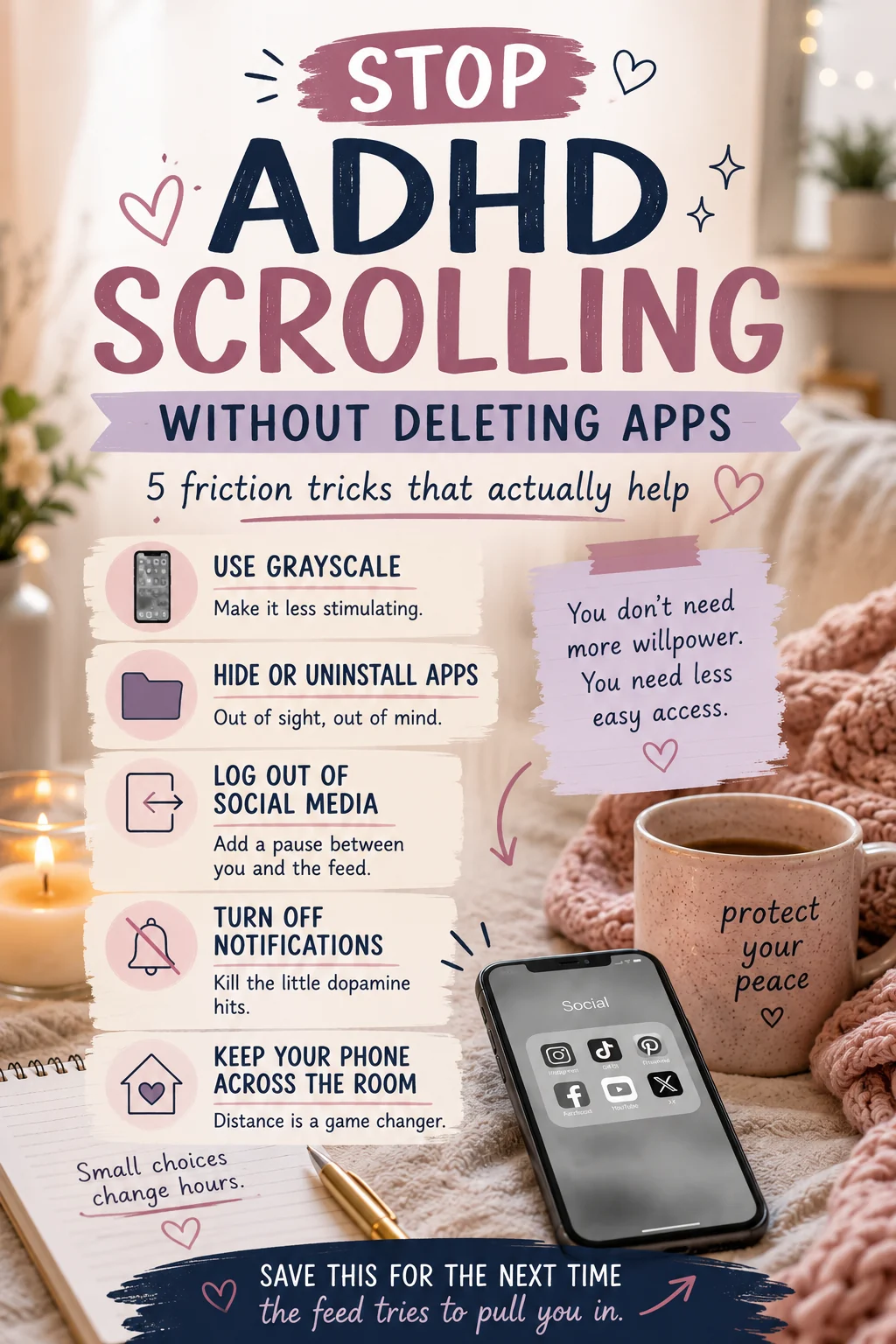
How to Stop Scrolling Without Deleting Apps (8 Friction Tricks)
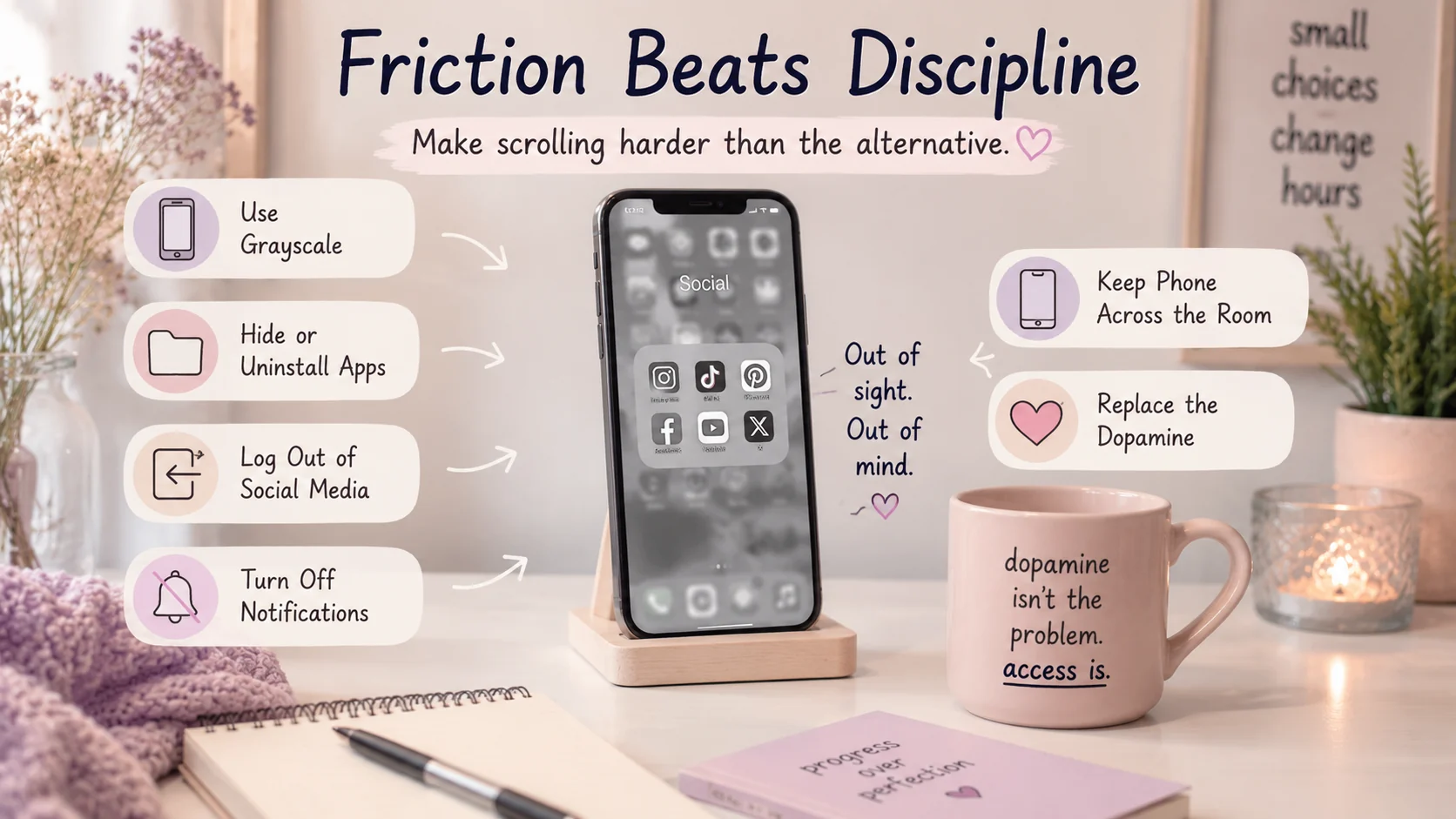
You don't have to nuke your apps or go live in a cave. You just have to add small speed bumps between you and the swipe. These are the ones that actually stuck for me.
1. Turn your phone grayscale. This is the single biggest one. Feeds are built on bright color and red dots; strip the color and the same content gets weirdly boring. I set a shortcut so grayscale kicks in automatically in the evening, and my thumb just... loses interest.
2. Bury the apps off page one. Move the worst offenders into a folder on the last screen, or off the home screen entirely. When "one quick check" needs three swipes and a search, the autopilot reach breaks. Out of sight really is out of mind - it's the object permanence thing working in your favor for once. The same blindness is why your camera roll quietly fills with screenshots you will never open.
3. Log out. Having to type a password before you can scroll adds a five-second pause that's often just long enough to ask "do I actually want this?" Half the time, past me left myself logged out and present me couldn't be bothered. Victory.
4. Kill the notifications. Turn off badges and banners for anything designed to pull you back. A phone that isn't buzzing and blinking stops being a slot machine that pages you.
5. Put the phone across the room. The most reliable trick I own. On days when willpower has clearly called in sick, I physically move the phone out of arm's reach, because the effort of standing up is often enough to break the reflex.
6. Set an intention (and a timer) before you open it. "I'm checking one message" beats opening the app to a blank-minded void. Pair it with an external timer - a visual timer or a smart speaker saying "ten minutes" lands harder than the in-app one you'll swipe away.
7. Use the two-thing rule. If you're avoiding a task, keep one useful thing open right next to the fun one, so switching back is one tap instead of a whole restart. Scrolling thrives when the alternative feels far away.
8. Don't start the day in the feed. Morning scrolling tends to predict a heavier scrolling day, so I keep the phone out of the bedroom and let my brain wake up before I hand it to an algorithm. When I fail at this, the whole day scrolls harder - reliable, if depressing, data.
You do not need more discipline. You need fewer open doors to the feed.
How to Stop the Bedtime Scroll
Nighttime is the scroll's home turf. You're tired, your guard is down, and "just five minutes" turns into 1am while your alarm quietly judges you from the future. I know it intimately.
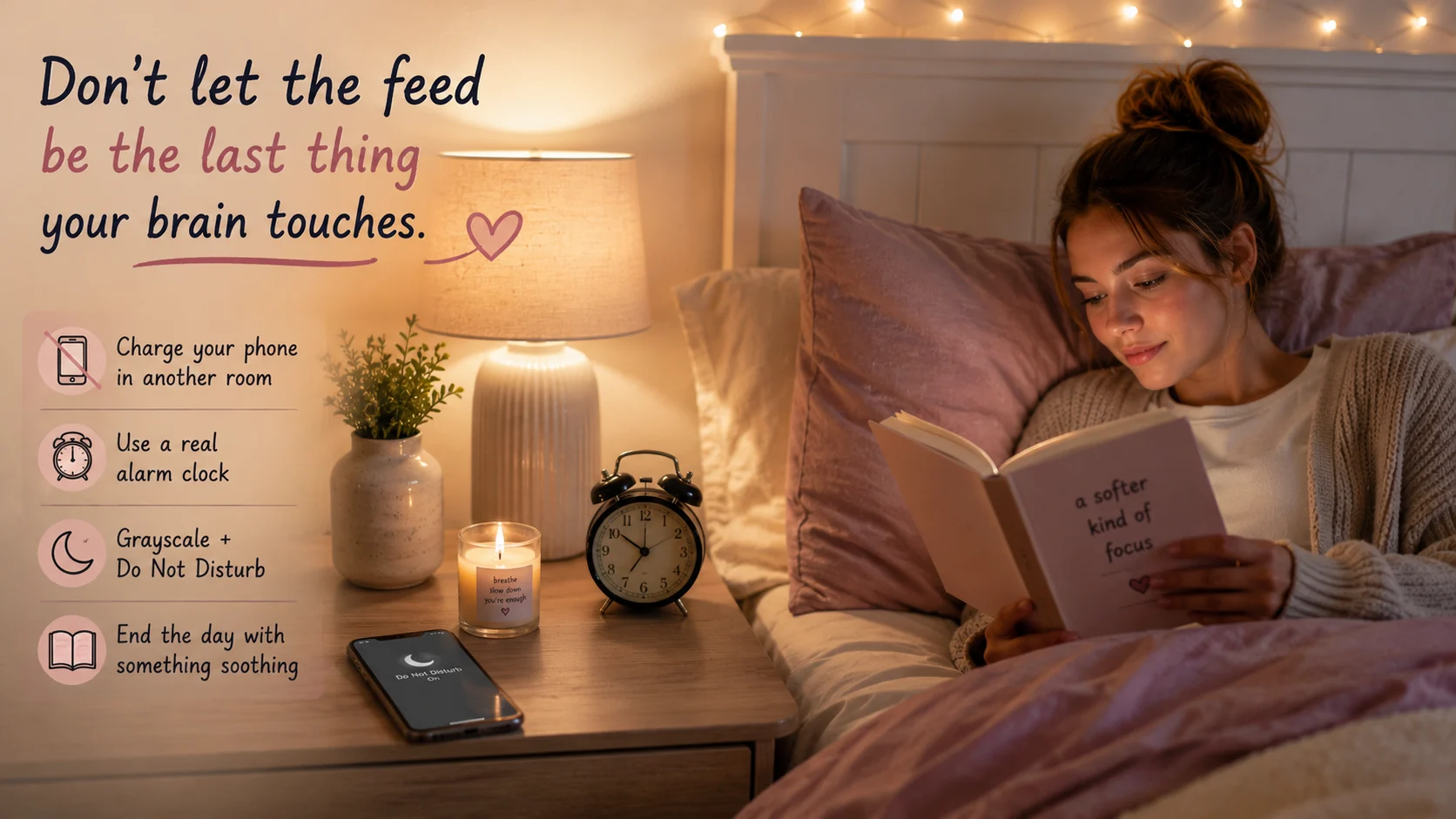
The fix that worked was boring and physical: I charge my phone in another room and use an actual alarm clock, so the phone isn't the last thing I touch or the first thing I reach for. Grayscale and Do Not Disturb switch on automatically in the evening, and I pick one wind-down thing - a page of a book, a stretch - before I get in.
If the late-night scroll is really about reclaiming time you didn't get in the day, that's its own specific loop - the one I unpack in ADHD revenge bedtime procrastination.
Do not let the feed be the last thing your brain touches.
What to Do Instead (Replace the Dopamine)
Here's the mistake I made for years: I tried to just remove the scrolling and leave a boredom-shaped hole. My brain, starved of stimulation, always went crawling back to the feed.
What actually works is rerouting the dopamine, not deleting it. When the urge hits, I need something else easy and a little bit stimulating already waiting - a fidget, one song, a five-minute walk, a quick tidy, a text to a friend. The trick is deciding this before the moment, because mid-urge is exactly when I can't think of a single thing to do instead.
That's the whole point of a dopamine menu - a pre-made list of small hits so you're choosing from options instead of white-knuckling it. You're not asking your brain to want less stimulation. You're handing it a better place to get it.
This is practical, lived-experience advice, not medical guidance. If phone use feels compulsive in a way that's harming your sleep, work, mood or relationships, it's worth talking to a qualified professional - this can overlap with ADHD, anxiety and depression.
The tiny move: turn your phone grayscale right now, before you close this. One setting, thirty seconds. You can always turn it back - but most days, the gray does quiet work, and it's the smallest possible proof that changing the machine beats blaming yourself.
Save this for the next time the feed tries to pull you in.
FAQ: ADHD and Mindless Scrolling
Why do I scroll so much with ADHD?
ADHD brains run lower on dopamine, so they're constantly hunting stimulation - and a feed delivers a fast, endless, unpredictable stream of it. The "you never know what's next" design triggers dopamine the same way a slot machine does, which makes it uniquely sticky for an ADHD brain. It's a wiring-plus-design problem, not a willpower problem.
Is doomscrolling an ADHD thing?
It's very common with ADHD, though anyone can do it. ADHD makes it worse because low dopamine drives stimulation-seeking, boredom is genuinely painful, and scrolling can tip into hyperfocus where an hour vanishes. Add algorithmic feeds tuned to your attention and you get a loop that's hard to climb out of.
How do I stop mindless scrolling without deleting apps?
Add friction instead of relying on willpower: turn your screen grayscale, bury the apps off your first home screen, log out so opening them takes effort, and kill their notifications. Then put the phone physically out of reach and set an external timer before you start. A few seconds of friction is often enough to break the loop.
Does grayscale actually help ADHD scrolling?
For many people, yes. Feeds are engineered with bright color and red badges to pull your eye; in grayscale the same content is far less rewarding, so it's easier to put the phone down. It won't stop you alone, but stacked with other friction it removes a big chunk of the visual dopamine.
Why can't I stop scrolling even when I'm bored of it?
Because the scroll isn't really about the content - it's about the next hit of novelty your brain keeps chasing. Variable rewards keep you swiping long after it stopped being fun, which is exactly how the design is meant to work. That's why changing the environment beats trying to "want it less."
How do I stop scrolling in bed at night?
Charge the phone in another room so reaching it requires standing up, and use a real alarm clock so you don't need it by the bed. Set your phone to switch to grayscale and Do Not Disturb in the evening, and pre-decide one wind-down thing to do instead. The goal is to make the phone harder to grab than the alternative.
What should I do instead of scrolling?
Give your brain a different, easier hit of stimulation: a fidget, a song, a five-minute walk, a quick tidy, or a short call. Having a pre-made list - a dopamine menu - means you don't have to invent an alternative in the moment, which is the moment willpower is lowest. You're not removing the dopamine, you're rerouting it.
Do screen-time limits and app timers work for ADHD?
They help as friction, but not as a hard wall - it's too easy to tap "ignore limit" when your brain wants the hit. They work best combined with grayscale, buried apps, and physical distance, so the limit is one more speed bump rather than the only defense. External, visible timers tend to beat in-app ones.
Can ADHD medication help with phone scrolling?
For some people medication improves impulse control and makes it easier to pause before opening an app, which can reduce mindless scrolling. It doesn't remove the pull of a well-designed feed, though, so it works best alongside environmental friction. Medication decisions should always be made with a qualified clinician.
One tap makes ADHD Pearls a preferred source in your Google account, so our articles surface higher when you search. No signup, and it brings you straight back to this page.
Before you go
Free Dopamine Menu
24 tiny activities for low-energy, low-capacity days.
For the woman who sets up the perfect system on Sunday and abandons it by Tuesday.
One short letter, every week. Real talk about ADHD, task paralysis, and the tiny wins that actually move the needle for a brain like yours. No shame. No hustle culture.